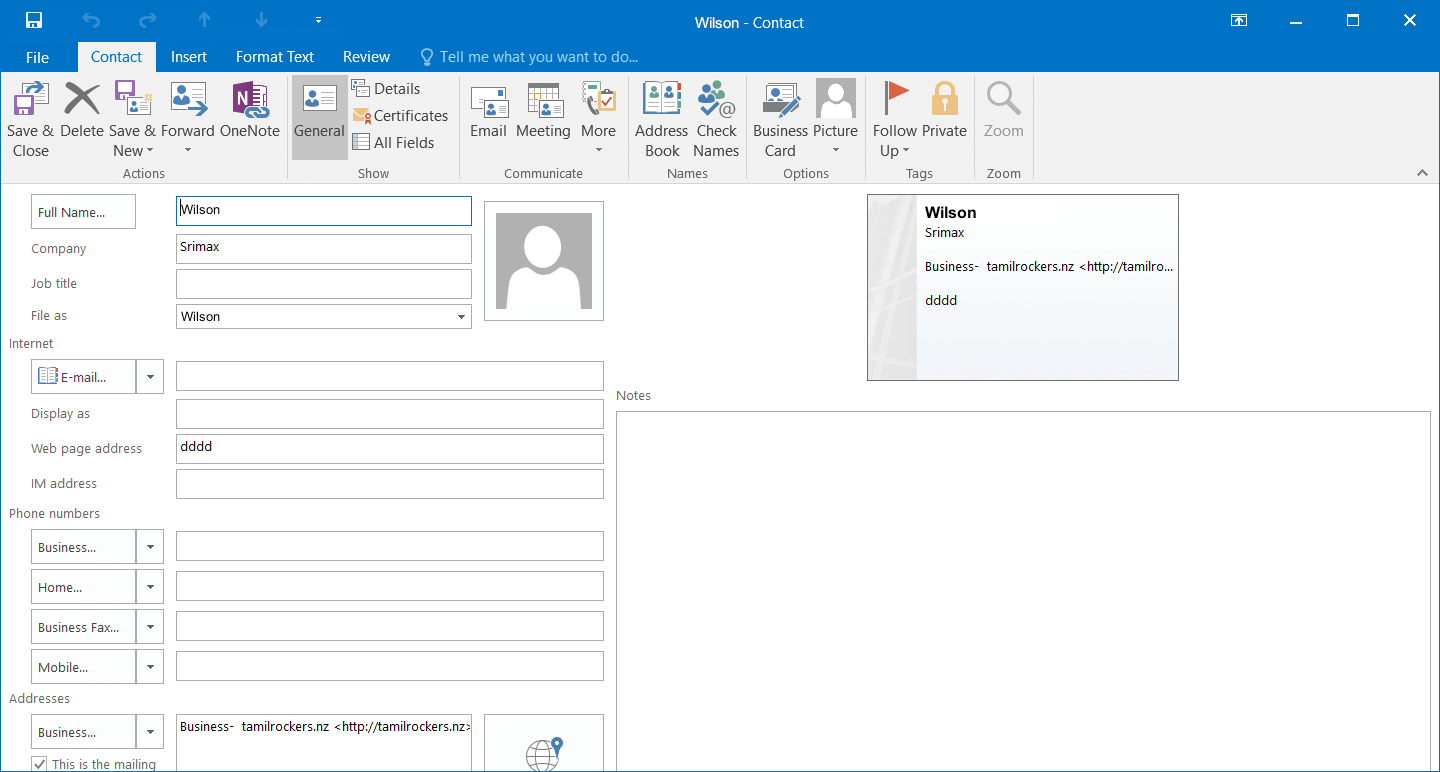
ContactsClinic is a complete Contacts Management Software for Microsoft Outlook Client. This innovative Outlook plugin has a wide array of features that allow Microsoft Outlook users to Automatically Update, Organize and Maintain their Outlook Contacts.
The Hands Free Outlook address book updater saves users a great deal of time and manual effort.
The Contacts Clinic Microsoft Outlook addons include 1) Automatic Outlook Contacts Updater 2) Extract Email IDs from Incoming message 3) Import Mass Email IDs from a file 4) Remove Duplicate Contacts 5) Remove Bounced Email ids from Outlook Contacts 6) Backup Contacts.
The Contacts Clinic Internet Explorer plugin
extracts email addresses from the webpages, and add to Outlook Contacts.Download
ContactsClinic V3.1
Requirements
Microsoft
Outlook
2000/2002/2003/2007
Windows 9x/NT/Me/2000/XP/Vista
Automatic Outlook Contacts updater
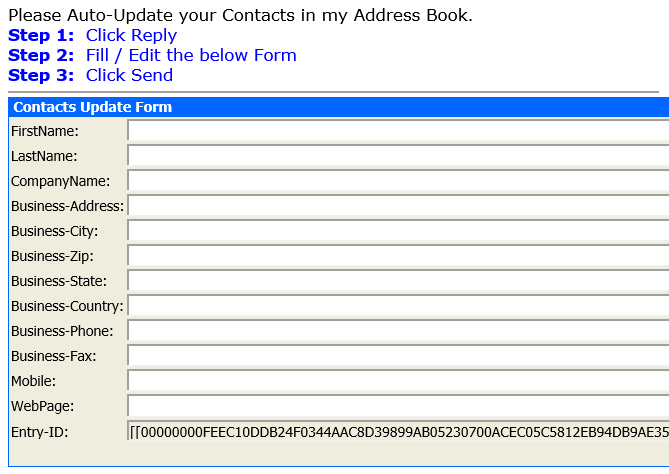
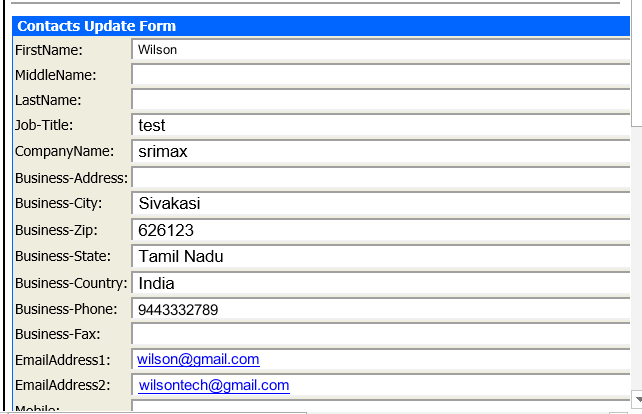
In 3 Easy Steps your MS Outlook Contacts are Up-to-date ! Step 1: You - Send "Contacts Update Form Email" to
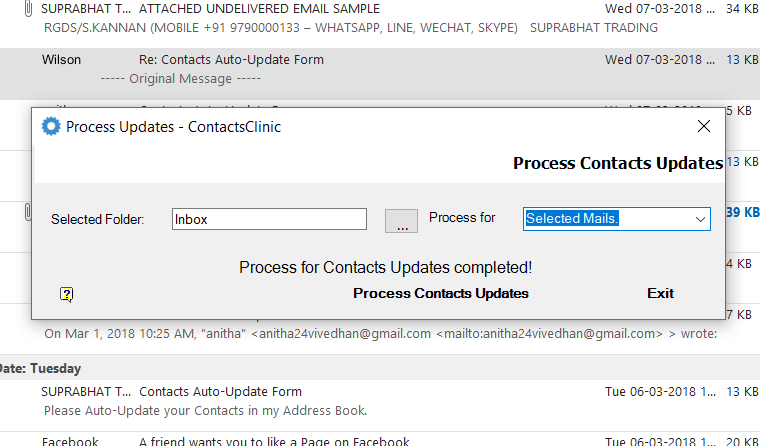
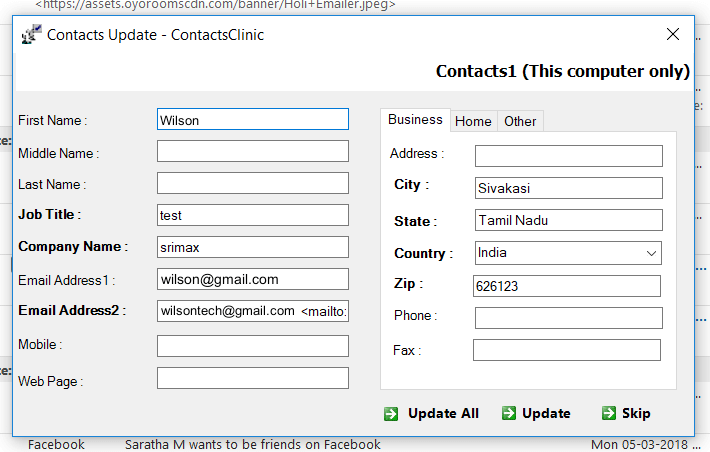
the people in your Outlook Contacts Step 2: Recipients - Fill/Edit the Form and Send back to you Step 3: You - Click "Process Updates" button, and
your Contacts are Automatically updated
Contacts Clinic saves you Days and Hours updating the Outlook Contacts manually.
Internet Explorer Plugin
Contacts
Clinic is
plugged into Internet Explorer browser. With a simple Right
Click you can extract Single and All email addresses from
the webpage
you are currently browsing. Contacts Clinic will extract only
new emails that are not in Outlook Contacts.
Extract Emails from Messages
With
a Click of "Swipe" button,
you can extract
Emails from
the TO, CC,
From Fields
and Body
Message of
Mails. Users
has option to Extract Email ids from a Single Message or
Multiple
Messages
or Complete
Outlook Folder.
Scan bounced messages
Contacts
Clinic can
extract /
Track invalid
email ids
from the
Bounced messages.
You can move
the invalid
email contacts to a separate
Contacts
sub-folder,
for future
reference.
Remove duplicate Contacts
Contacts Clinic can get rid of Duplicate Entries in Outlook Contacts Folder.
The duplicate contacts are displayed in a Editable Grid Form. Users can compare all the duplicate entries in the grid, and Update One entry & delete the remaining duplicate entries.
Import Mass Emails
ContactsClinic can Import Mass Email IDs from Text or Html Files and saved into a specified Contacts Folder.
Contacts Clinic will extract only new emails that are not in Outlook Contacts.
Backup Contacts
Contacts
Clinic can
Backup Outlook
Contacts
folders in Excel format. Scheduled back-up can be performed
at back end Automatically.
Other thoughtful features
- Convenient Tools bars in Microsoft Outlook bar
- Ticker in Contacts Clinic Tool bar for viewing processed results
- Easy Wizard Module for user Friendly Operation
- Contacts Update Form has Editable Header, Footer and Subject line (to include signature, personal message etc)
- Contacts Update Form's Field names can be edited to any Language (ex: "Email" to )